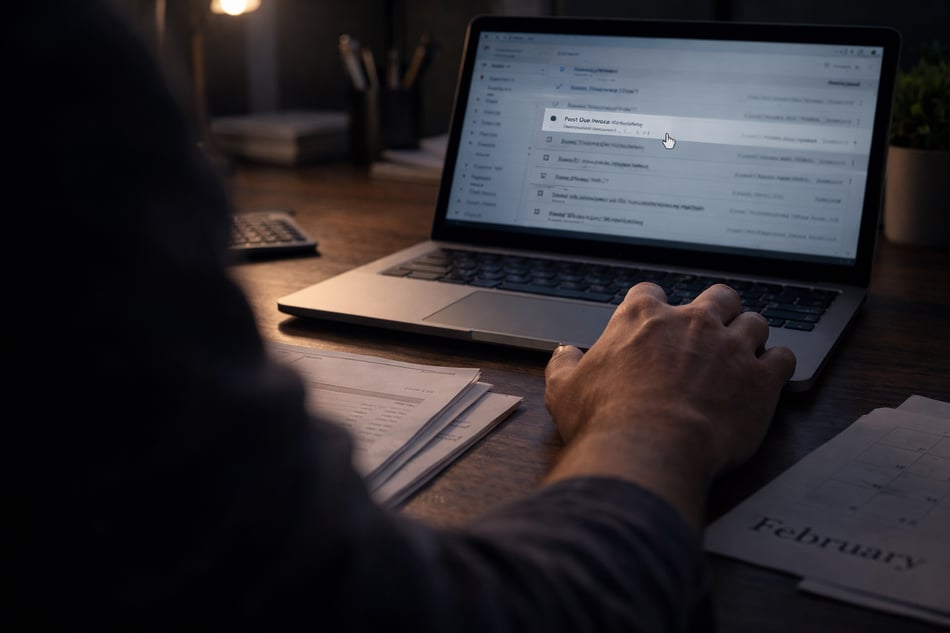
February is prime season for one specific type of cyberattack. It does not rely on malware. It does not trip the antivirus. It often looks completely legitimate.
It lands in the accounting inbox...
February combines three things attackers love:
Attackers know accounting teams are under pressure, moving fast, and handling sensitive requests daily. They also know that finance staff are trained to be helpful and precise.
That combination creates opportunity.
The Email That Causes the Most Damage
The most dangerous email is not the obvious phishing attempt. It usually looks like one of these:
-
A vendor requesting updated payment details
-
A “quick change” to payroll or direct deposit
-
A follow-up email that continues an existing thread
-
A request that appears to come from leadership while they are “in a meeting”
The language is calm. The timing makes sense. The sender looks familiar. That is because the attacker did their homework.
How Attackers Study Your Business First
Before sending anything, attackers often spend weeks watching.
They review public org charts. They scan LinkedIn for titles and reporting structures. They monitor compromised inboxes to learn how vendors communicate. They study invoice formats, payment timing, and approval language.
By the time the email arrives, it fits right in. This is why business email compromise is so effective. It exploits trust and routine, not technical gaps alone.
Real-World Outcomes We See
When these emails succeed, the results are immediate and painful:
-
Payroll funds redirected to attacker-controlled accounts
-
Vendor payments sent to fraudulent banking details
-
W-2 data harvested for identity theft
-
Email inboxes quietly used for future impersonation
Often, the email itself is deleted or forgotten. The damage shows up days later.
A Simple Checklist for Accounting Teams
This checklist works as a printable handout and a mental pause button:
-
Treat any request involving money or payroll as suspicious until verified physically, not digitally.
-
Never accept banking changes without out-of-band confirmation
-
Be cautious with emails that create urgency or secrecy
-
Watch for subtle changes in tone, timing, or signature formatting
-
Assume attackers know your org chart better than you expect
Verification is not distrust. It is protection.
Why Training Alone Is Not Enough
Most accounting teams already know about phishing. The problem is not awareness. It is realism.
Generic training does not reflect how these attacks actually look. Real protection comes from testing scenarios that mirror real business processes.
The most dangerous email in February does not look dangerous. It looks routine.
At Solve iT, we test these exact scenarios during phishing simulations. We use real-world finance and vendor impersonation techniques, not generic templates.
If you want to know how your accounting team would handle the email that matters most, start with a free threat assessment. It is far better to test the process than to explain the loss afterward.