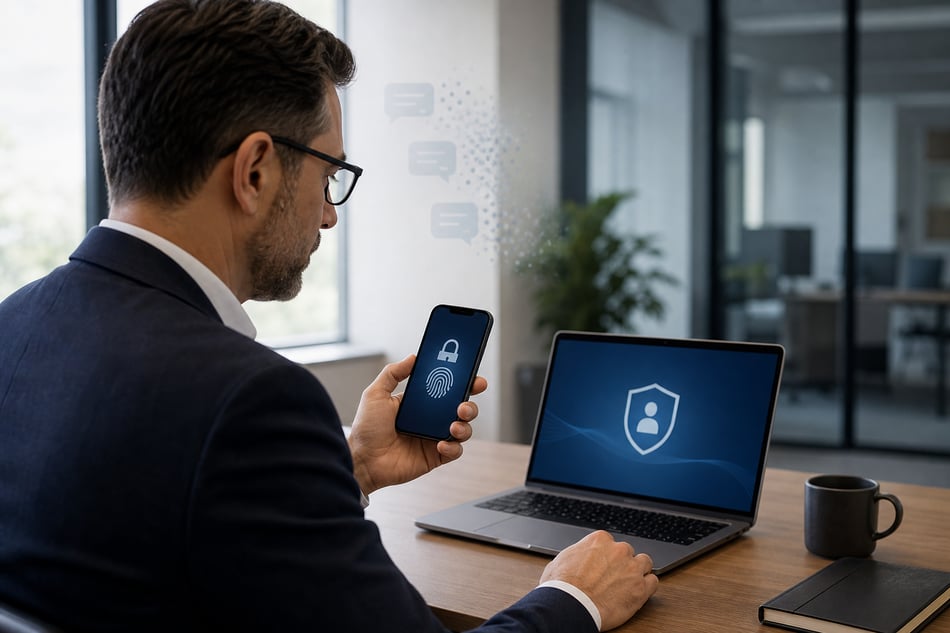
Here's what your business needs to do:
For years, text messages and phone calls were considered a reasonable way to protect business accounts. They were better than relying on a password alone, and they were familiar enough that employees could use them without much trouble.
That approach is reaching the end of the road.
Microsoft has announced that Microsoft-provided SMS and voice authentication will retire from Microsoft Entra ID on February 1, 2027. Beginning September 1, 2026, users who are still enabled for SMS or voice authentication may be prompted to register a passkey when completing multifactor authentication.
This change will affect many small and midsized businesses using Microsoft 365.
Why Microsoft Is Making the Change
Text messages and voice calls are vulnerable to phishing, SIM swapping, and replay attacks. Cybercriminals have become very good at convincing users to share authentication codes or redirecting those codes before they reach the intended person.
Passkeys use cryptographic credentials tied to a device or secure credential manager. They are designed to resist phishing because there is no reusable code for an employee to read, copy, or send to someone else.
That is a meaningful improvement. It also requires planning.
What Happens If You Wait
After February 1, 2027, users whose only authentication options are SMS or voice may receive a blocking prompt requiring them to register a passkey before they can continue signing in. Microsoft states that there will be no opt-out from this enforcement.
A forced change during the workday can create support calls, employee confusion, and lost productivity. A planned rollout gives your team time to test devices, communicate expectations, assist employees, and address special circumstances before access becomes an urgent problem.
What Your Business Should Do Now
Start by identifying which employees are still enabled for SMS or voice authentication. From there, determine which phishing-resistant method is appropriate for each user. Microsoft recommends passkeys, but Windows Hello for Business and FIDO2 security keys may also be suitable in some environments.
Your rollout plan should include:
- A review of current authentication methods
- Passkey configuration and testing
- Employee instructions and registration support
- Special planning for shared, mobile, or older devices
- Verification that every user has a working sign-in method before the deadline
Authentication changes can look simple on paper. They become complicated when devices, policies, employees, and business applications all enter the picture.
Solve iT can help you understand where your organization stands and what needs attention before Microsoft’s deadline.
Book a free threat assessment to uncover your cyber wellness and identify gaps in your current security posture.