

The Charter School IT Checklist for Winter Break

I spent three hours last month with the technology manager at a charter school here in Charlotte. She's a teacher who happens to be good with computers, and unfortunately, at most charter schools, that makes you the IT department.
Typically, her provider shows up on site and asks her for a list of things to do, she hands over the list, they work the list, and at no point does anybody bring her an actual plan for technology or next year's budget. She is forced to carry all of that in her head all year and into her classes.
Winter break is the one two-week stretch in the school year when you can touch every device and every IT closet without a class in the room. It's also when next year's budget takes shape, the federal E-Rate filing season kicks off, and the business office starts seeing holiday invoice scams.
If you run a charter school, or you're the person who got handed the technology job, here are the ten questions you should answer before the building goes quiet to help you plan for next year.
Money and planning first
1. Do you know which devices are past five years old, and what it'll cost to replace them?
Five years is the longest warranty a manufacturer will sell you, and it's about when parts start failing. We put every school on a five-year lifecycle and provide them with an inventory list once a year: here are the systems due next year, here's the dollar figure for the capital budget, now you tell us which quarter you want them swapped and we'll make it happen. You don't want to be budgeting by surprise.
2. Has anybody started your E-Rate work for next year?
E-Rate is the federal program that can cover certain projects, labor, and services for schools, as long as the school's signed up properly and the vendor is E-Rate certified. The filing season runs through the winter, and the funding cycle rewards schools that think ahead. If your provider has never said the word E-Rate to you, that's money sitting on the table. It isn't your fault, and it's fixable. That's a big one to talk about immediately.
3. Is the summer device refresh in next year's budget?
A school with 1,500 student Chromebooks replaces about a third of them every year. They've got to be ordered, received, imaged, and ready for day one. The order goes in during the spring, but the money gets approved now.
Security and compliance
4. Who owns the gap list from your state security report?
Here in North Carolina, security for public schools is funded through MCNC, and the end-of-year report comes back with a gap analysis: here's what still needs doing. Somebody has to turn that list into a scope of work with dates on it. If the answer is "the report's in a folder," the gaps are still open, and your school could be at risk.
5. Has access been pulled for everybody who left since August?
Staff who moved on, long-term subs, volunteers, student teachers, the vendor who wrapped up a project in October. Winter break is the natural time for the year-end access cleanup, and a school has more people coming and going than most businesses twice its size.
6. Is every adult account secured behind something stronger than a password or text message?
Multi-factor authentication with biometrics or passkeys should be on every staff and admin account. Hackers, AI, and students are tricky. That's why Microsoft is retiring SMS and voice codes for a reason. Student records are things criminals go shopping for during the holidays.
7. Does your business office know the December scam playbook?
Fake vendor invoices, gift card requests from "the head of school," shipping notices for devices nobody ordered. All of it spikes in December. A two-minute conversation with whoever pays the bills stops most of it. We covered the pattern in what holiday scams mean for your business devices. Schools aren't exempt.
Operations
8. Is there a written schedule for break, with names on it?
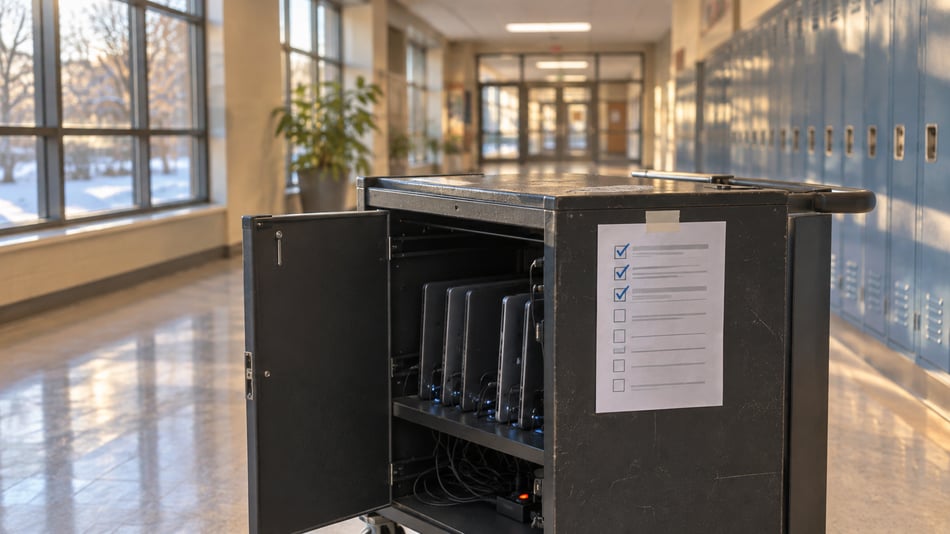
Firmware updates. The network closet nobody's opened since August. The screen that's been flickering since October. The loaner cart. Two weeks goes fast, and a one-page runbook with names and dates beats a good intention every time.
9. Which AI tools are your teachers using, and who approved them?
Educators are learning AI as they go, same as the rest of us. Some of those tools are getting fed student names, grades, and IEP details. A short list of approved tools and one plain rule about what never gets pasted in is enough to start. Shadow AI is already inside most organizations, and a school's no exception.
10. When did somebody last restore a file from backup, on purpose?
A backup job that says "success" is a claim, not a certainty. A restore you watched happen is evidence that it is doing its job. Pick one folder from your student information system or your Google or Microsoft tenant and bring it back from backup. It takes an hour, but finding out that the backups don't work will cost you way more later...
Do your top three over the fall break.
Ten questions is a lot for two weeks over the holidays. Here's how I'd order it.
Before the end of the year: build the device inventory and the five-year replacement forecast (1), take the E-Rate conversation to whoever handles your funding (2), and get the summer refresh into the budget request (3). The board's looking at budget numbers in January anyway.
Over winter break: pull access for everyone who left (5), turn on strong MFA for every adult account (6), and put a name next to the state security gap list (4). Those three close doors that are open right now, and none of them cost a dime.
By February: write the approved AI tool list (9), run the restore test (10), and turn the break runbook into the annual one (8). Do one each month.
A charter school's technology plan is usually like the only copy of the house key. It works fine as long as it stays in one person's pocket. The point of this list is to copy the key and hang it on a hook where the school can find it.
Where co-managed IT fits for a charter school
I'm not suggesting anybody replace the tech facilitator. She knows everything, which parent emails the office about the portal, and which third grader can get past any content filter ever built. That knowledge should stay in the building.
What co-managed IT adds is the part nobody trained for: the lifecycle plan, the funding calendar, the security runbook, the budget forecast by student count, and 24/7 monitoring behind all of it. We own the calendar, so the same things happen in the same months every year, and you get to plan instead of survive.
If you want a second set of eyes on your list
If you're not sure where your school stands on any of these ten, request a leadership or board briefing with Solve iT. You'll get a plain-English read on where things stand, what to fix first, and what can wait till spring. Your tech facilitator gets something she's probably never had: somebody else holding the calendar.
I'll come to the board meeting. I'll even bring the inventory spreadsheet.
Quick Answers
What should a charter school do with IT over winter break? Use the two-week window for work that can't happen during class: pull access for departed staff and volunteers, turn on strong multifactor authentication for every adult account, assign an owner to the state security gap list, and update devices and network equipment on a written schedule.
How often should a school replace student Chromebooks and staff computers? Plan on a five-year lifecycle, which matches the longest manufacturer warranty available. Keep an annual inventory that shows which devices are due next year and what they'll cost, so the replacement lands in the capital budget instead of arriving as an emergency.
Can E-Rate pay for a charter school's IT projects? E-Rate can cover certain eligible projects, labor, and services when the school is properly enrolled and the vendor is E-Rate certified. The filing season runs through the winter, so the planning conversation belongs in December and January.
What is co-managed IT for a school? Co-managed IT pairs the school's own technology person with an outside team. The school keeps the classroom knowledge and the relationships. The outside team owns the lifecycle plan, the security runbook, the funding calendar, and 24/7 monitoring and response.
Should teachers be allowed to use AI tools? Yes, with a short approved list and a plain rule about what never gets pasted in, such as student names, grades, and special education details. The goal is to make AI use visible and governed.